The save game evolved from nothing at all — arcade machines simply reset when you lost — into passwords, then battery-backed cartridges, then memory cards, then hard drives, and now cloud saves that follow a player across devices. Each step removed a limit on how long a game could ask players to commit to it.
§01Why didn’t early games let you save at all?
Early arcade games and the first home consoles had no lasting memory because there was nowhere to put it. A cartridge or arcade board typically held only read-only game code, and consoles had no onboard storage that survived being switched off. Progress lived only in RAM, which cleared the instant the power did.
This wasn’t a design choice so much as an economic one. Arcades wanted games short and replayable for another coin, and home hardware was built as cheaply as possible. That scarcity shaped the games themselves — a topic covered in more detail in our look at why classic games were so punishingly difficult. If a run couldn’t be saved, making it hard enough to matter was often the only way to give it weight.
§02What were password saves and why did games use them?
Password saves were long strings of letters, numbers or symbols that a game generated to represent a player’s progress, which could then be typed back in on a later play session. They worked around the lack of onboard memory by outsourcing storage to a notepad instead of a chip.
They were common through the 1980s on cartridge-based systems, especially for longer role-playing and adventure games that couldn’t reasonably expect to be finished in one sitting. The downsides were obvious to anyone who played them: a single mistyped character could send a player back to the start, and the codes themselves were often long enough that copying them by hand was its own small chore. They were a genuinely clever piece of engineering under real constraints, but nobody was sad to see them replaced.
§03How did battery-backed cartridges change saving?
Battery-backed cartridges added a small coin cell battery and a chip of memory inside the cartridge itself, letting the game hold save data even after the console was switched off. Progress was stored directly on the cartridge, so a player could turn the console off mid-adventure and pick up exactly where they left off.
This was a genuine leap. Games could now be structured around persistent worlds, inventories and long-term choices rather than single sittings, because the developer no longer had to compress everything into a password. It also introduced a new failure point that retro collectors still deal with today: those batteries have a finite life, and a cartridge from that era can lose its saved data — or fail to save at all — once the battery finally dies. Anyone buying an old cartridge secondhand for the save feature specifically should read our guide on what to check before buying a used game before assuming the save slot still works, and it’s also worth knowing how to spot a fake or counterfeit retro game cartridge, since save chips are one of the things counterfeits get wrong.
§04What changed when consoles moved to memory cards?
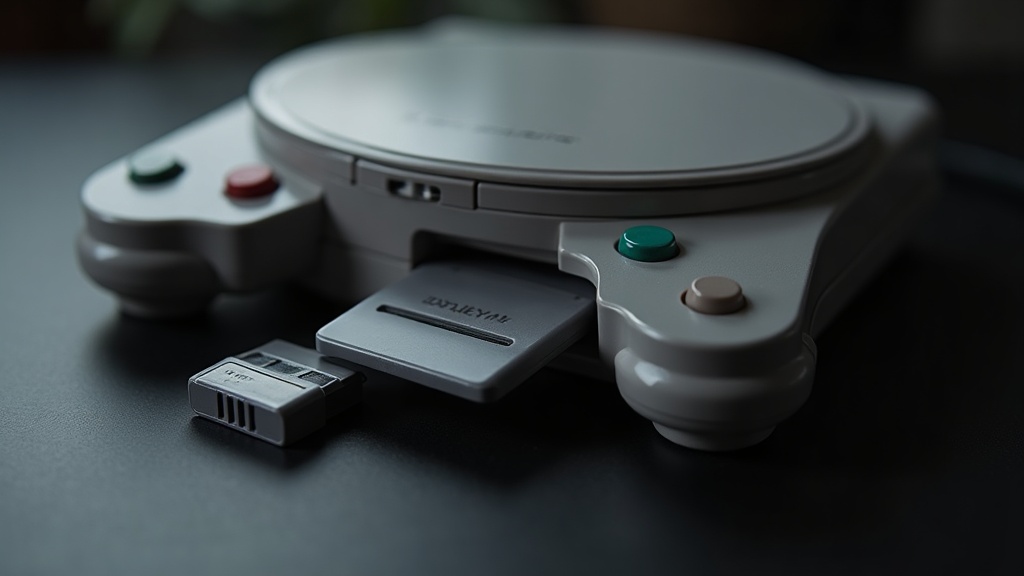
Memory cards separated save data from the game itself, letting one small removable card hold saves for multiple games instead of tying each save to a single cartridge. This became standard once consoles shifted from cartridges to discs, since discs generally couldn’t be written to at all.
That shift mattered for more than convenience. Discs couldn’t hold a battery or writable memory the way a cartridge could, so once console makers moved to disc-based games, they needed a separate place to put saves — hence the memory card slot built into the console itself. Our piece on what the shift from cartridges to discs actually changed goes into more detail on how that transition reshaped hardware design generally, and saving was one of the quieter but more practical parts of it.
Memory cards had their own quirks. Capacity was limited enough that players regularly had to delete old saves to make room for new ones, and a card that got corrupted or physically damaged could take an entire game’s progress with it — sometimes across several games at once, since one card often served a whole household of players.
§05When did games start saving automatically?
Autosave became common once consoles had internal hard drives or large enough flash storage that developers no longer had to worry about running out of space or asking players to manage cards. Instead of a manual “save game” menu, the game quietly wrote progress at checkpoints, level transitions or fixed intervals.
This changed game design in a subtler way than it looks. Once a developer could guarantee a player wouldn’t lose more than a few minutes of progress, level structure could loosen up — fewer artificial save-point rooms, less need to design around “can the player reach a safe spot before quitting.” It also shifted an old source of tension. Losing a save file used to be a real, feared event; with autosave doing the work in the background, the anxiety moved instead to trusting that the save actually happened before closing the game.
§06How did save states and emulation change what “saving” even means?
Save states, mostly associated with emulators, let a player capture the exact state of a game’s memory at any single moment and return to it later — not just where the game’s own save system allowed, but literally anywhere. This is different from a normal in-game save because it doesn’t rely on the original developer having built saving into the game at all.
Save states are one of the more useful tools in game preservation, letting researchers and archivists document games that never had a native save function — early arcade titles included. They’re also genuinely contested among players, since using them to bypass a game’s intended difficulty or checkpoint structure changes the experience the designer built. Readers interested in this side of things can find more in our Retro & Preservation section, which covers the wider legal and technical landscape around emulation without wading into anything that crosses into piracy.
§07How did online play push saving forward?
Online multiplayer forced saving to become server-side for many games, because progress, unlocks and rankings needed to exist somewhere both players could trust rather than only on one person’s local hardware. A save could no longer just be a file on a card if it needed to be checked, compared or shared across a match.
This is closely tied to the broader story of how online play became a default expectation rather than a novelty, which is covered in how did online multiplayer become normal. Server-stored progress also laid groundwork for something players now take for granted: picking up a save on a different machine entirely.
§08What are cloud saves and how are they different?
Cloud saves store a player’s progress on a remote server rather than only on the console or PC in front of them, so the same save can be downloaded and continued on a different device. This means a player can start a game on one console, travel, and resume on another without carrying a physical memory card at all.
The tradeoff is dependence on an internet connection and on a service staying online and supported. A save that lives entirely in the cloud is only as durable as the account and service behind it, which is a different kind of fragility than a dead battery in an old cartridge, but a real one. Players weighing digital convenience against long-term ownership more broadly may find our comparison of digital versus physical games useful, since the same underlying tension — convenience now versus control later — runs through both questions.
§09Did faster storage change how saving feels?
Yes — faster storage, particularly solid-state drives, made saving and loading a save both quicker and less disruptive, since the console or PC can read and write data far faster than older mechanical hard drives or discs allowed. This is one reason modern games can autosave more frequently without it feeling like an interruption.
For readers curious about the mechanics behind that shift, what an SSD actually changes about game loading covers it in more depth, and how much console storage you actually need is a practical follow-up for anyone managing save data and installed games on a console with limited space.
§10What does this mean for buying and using older hardware today?
Anyone collecting or buying secondhand hardware from earlier eras should treat “does the save function still work” as a real checklist item, not an assumption. Batteries fail, memory cards corrupt, and cloud services for older platforms are sometimes discontinued entirely, which quietly turns online-dependent saves into something closer to the old password system — except without the password.
- Battery-backed cartridges from the 1980s and 1990s should be tested for save function before buying if that feature matters to the purchase.
- Memory cards for disc-based consoles are worth checking for physical damage and read errors, since corruption can affect every save on the card.
- Cloud-save-dependent games are only as permanent as the service supporting them, which is worth remembering before relying on the cloud as a sole backup.
For broader guidance on buying older systems and games with an eye on what actually still works, our Buying Advice section and Consoles & Hardware section both cover the practical side of this in more detail, and readers interested in the wider arc of how gaming hardware got here can browse the Game History section for related context.